
No Noise
No more calling across wards

No more calling across wards

Every job, live status

Data for better staffing

QR-verified, right patient
Porter connects nurses, porters and administrators on one platform. Request transport in one tap, dispatch the right porter with the right equipment, and verify every handoff with a QR scan. ฿59/User/month.
Book a live demo

Phone calls, paper logs and guesswork slow transfers down and the effects ripple into the OR, diagnostics and patient experience.



Unstandardized routines lead to inconsistent service, unpredictable transfer times and daily friction.


Without visibility into who is available, tasks pile onto the same people and burnout follows.


No real-time tracking means no one can instantly locate a moving patient or an available porter.
Delayed transfers back up operating rooms and diagnostic centers.
Long waits lower satisfaction and raise anxiety.

| Before | After Porter |
|---|---|
✕  Phone calls and LINE coordination |   One-tap transport request |
✕  Limited job visibility |  Real-time job tracking |
✕  Incomplete task information |  Complete, accurate job details |
✕  Uneven workload distribution |  Intelligent task assignment |
✕  Manual patient verification |  QR code verification |
✕  No performance insights |  Dashboard and performance analytics |

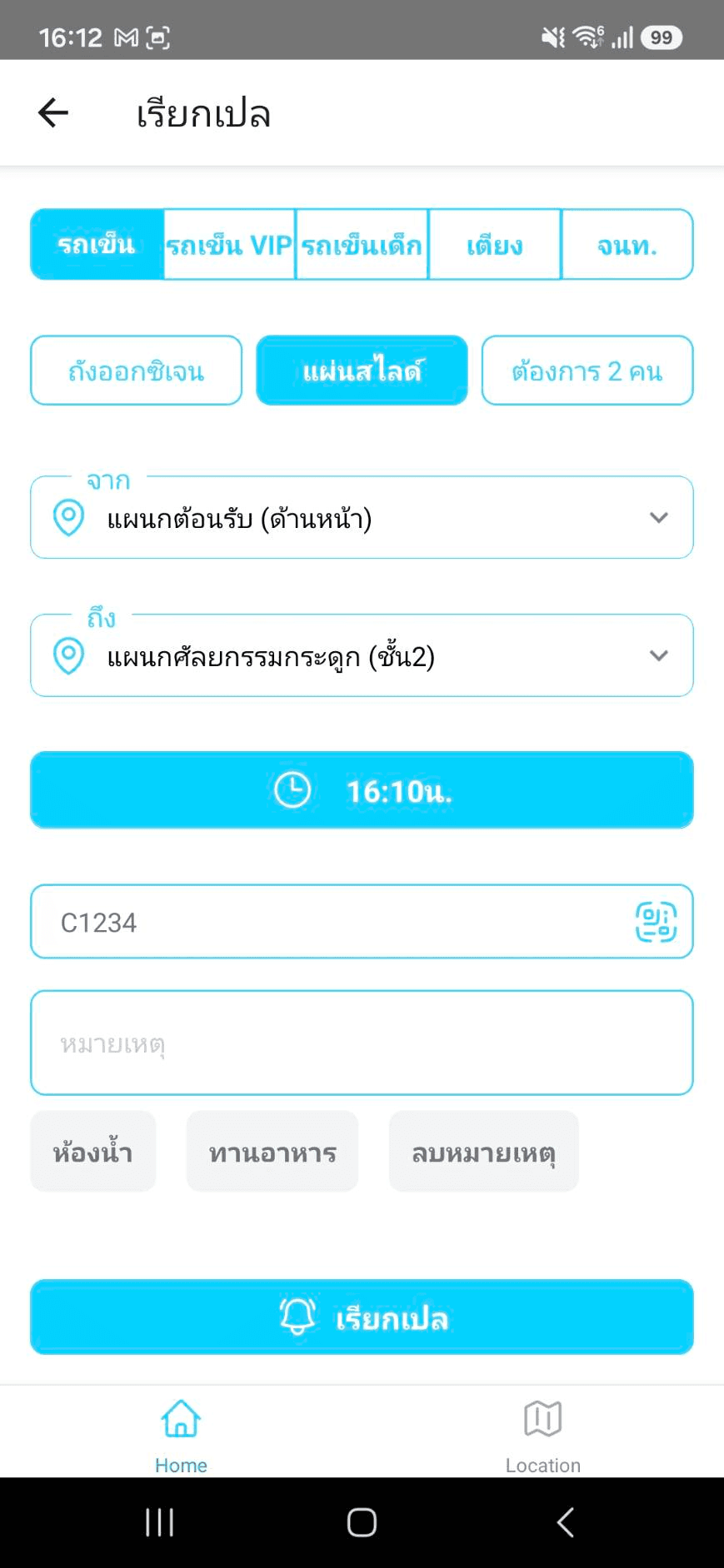
Pick equipment, origin and destination, link the patient’s HN and send. Book ahead for planned procedures and watch the request until someone picks it up.
 Wheelchair, stretcher, oxygen, slide board or 2 portersOrigin ward pre-filled at check-inSchedule ahead · Quick tags: toilet, meal, check-up
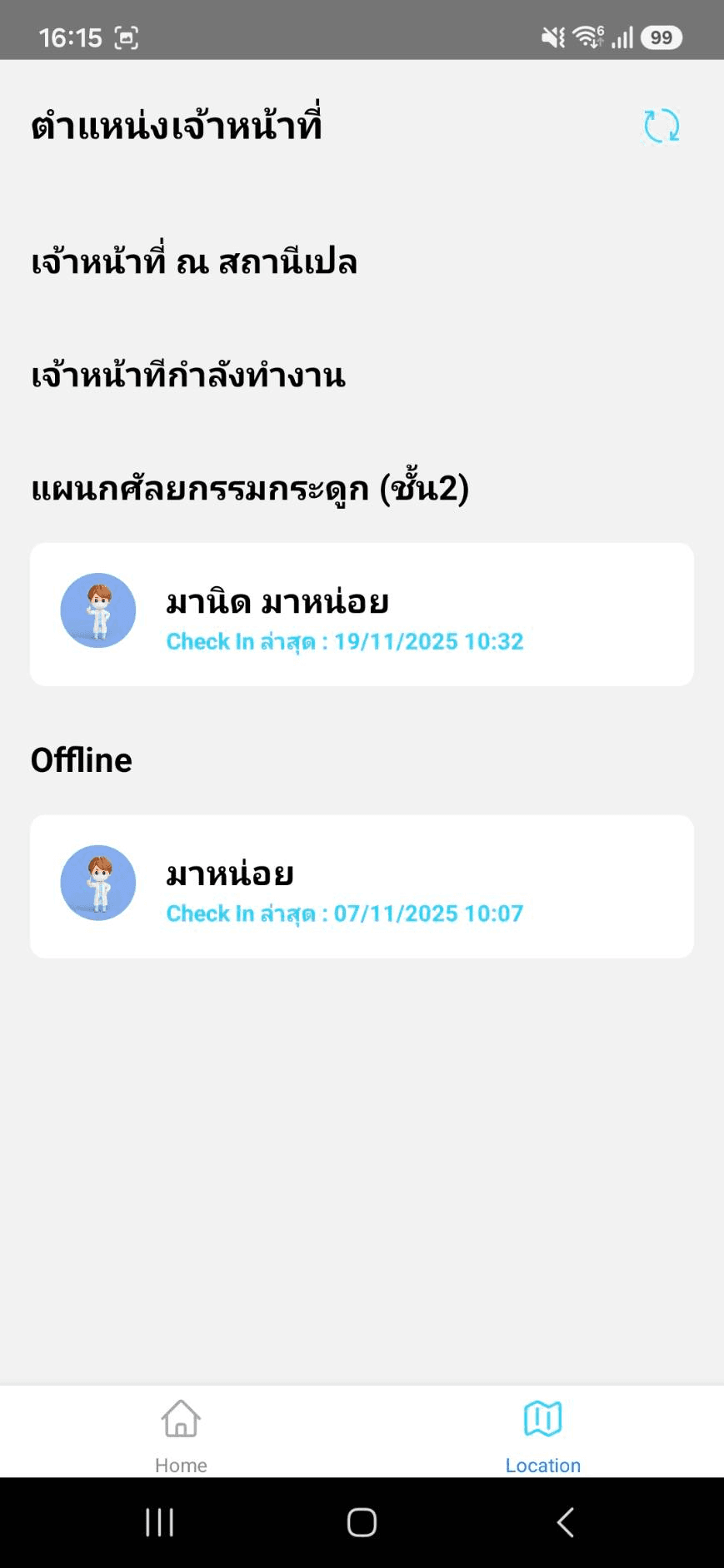
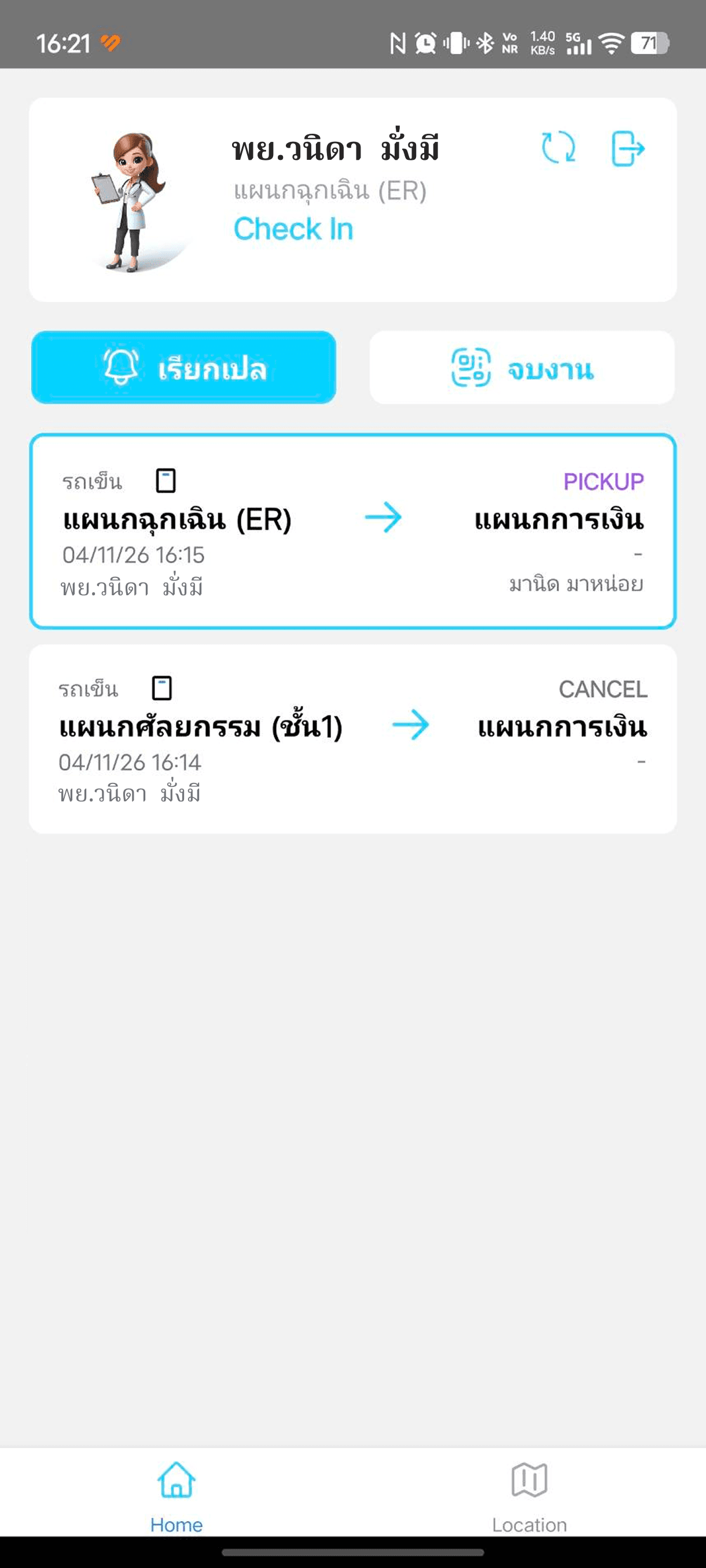
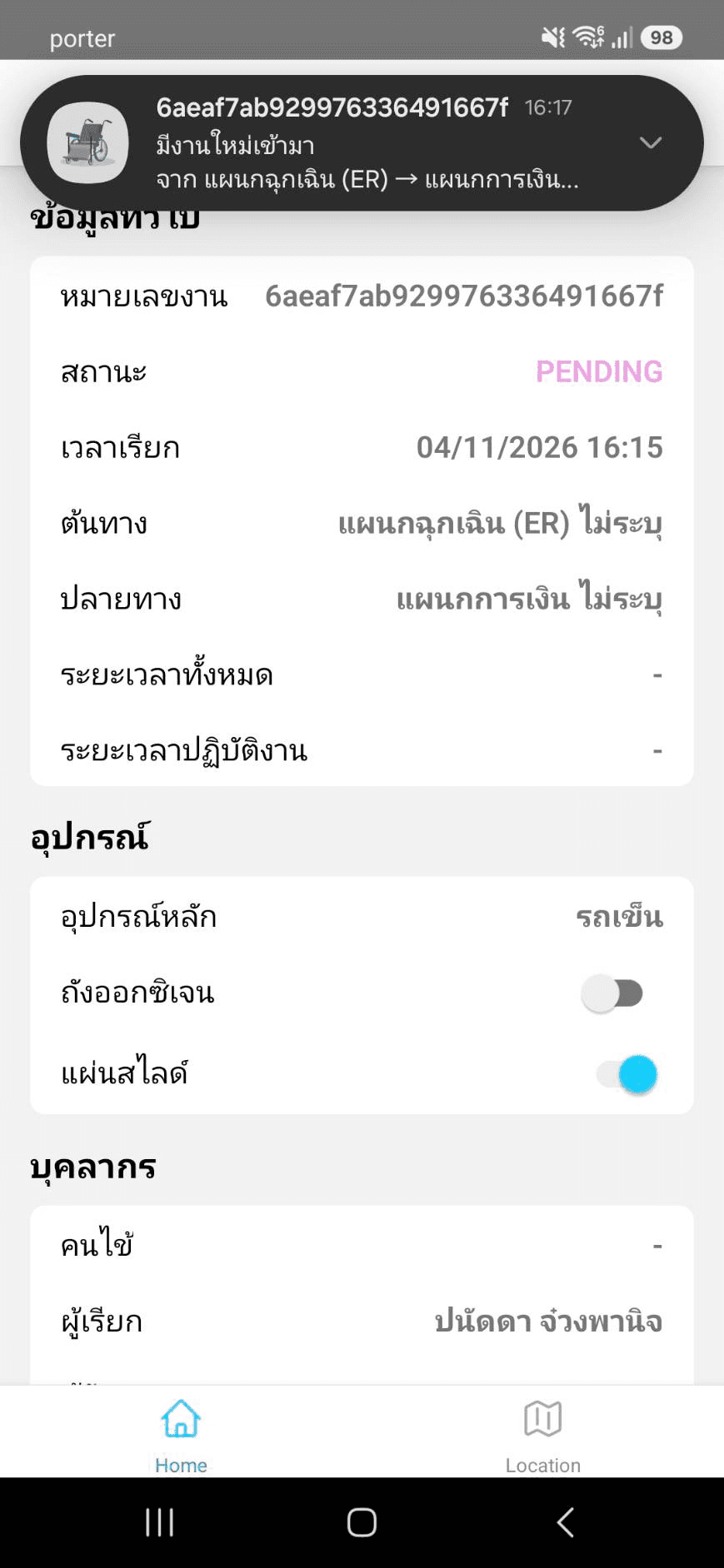
New jobs arrive as push notifications, even in the background. Porters see location, equipment and patient details before they accept — rejected jobs move on automatically.
Smart dispatch by status, location and equipmentShift check-in / check-outAuto-reassign rejected jobsPorters get an instant push notification.
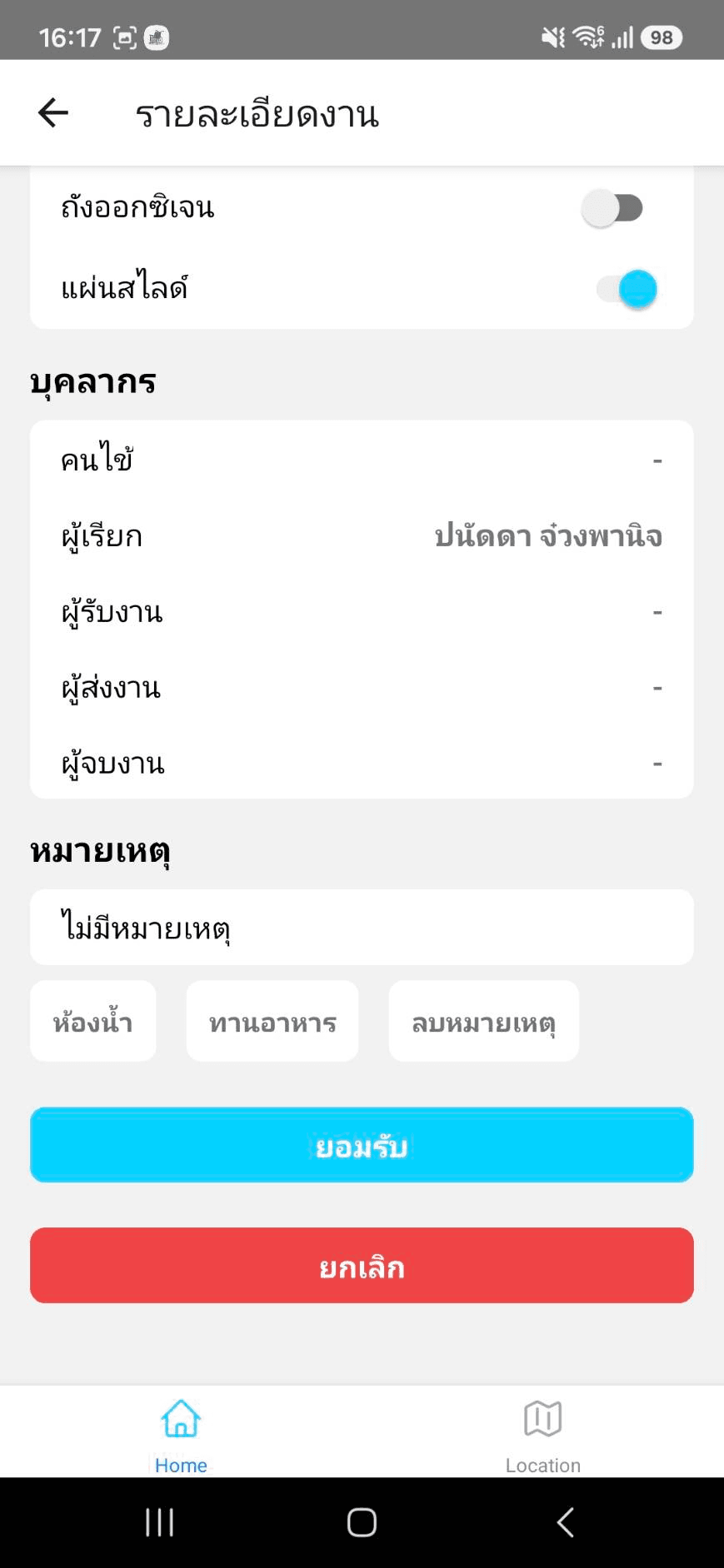
Full job details before tapping Accept.
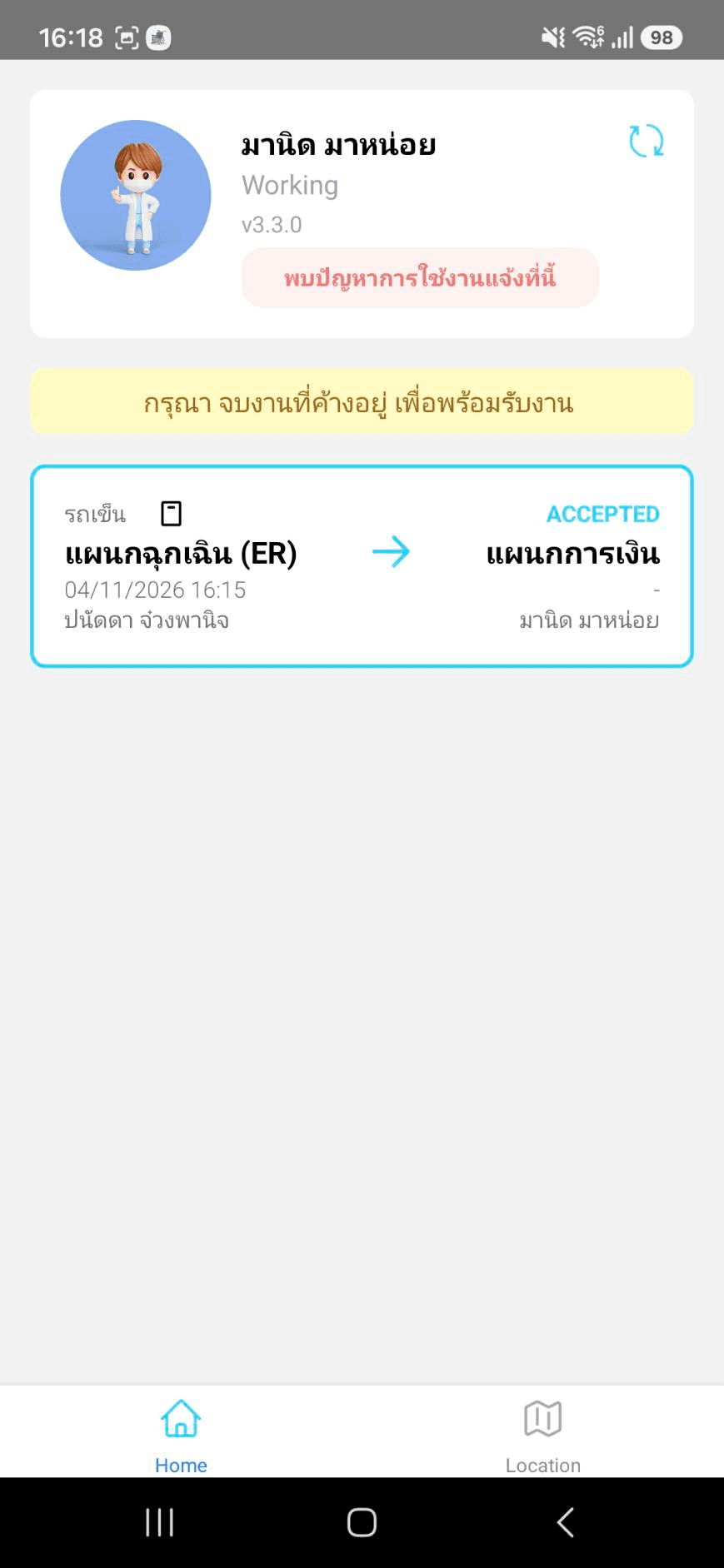
The active job stays on top of the queue.
Porters scan a QR code at pickup and again at the destination. Responsibility is logged only after a successful scan — so the right patient always reaches the right department.
Closed-loop handoffs, in personA traceable chain of custodyNo more wrong-patient transport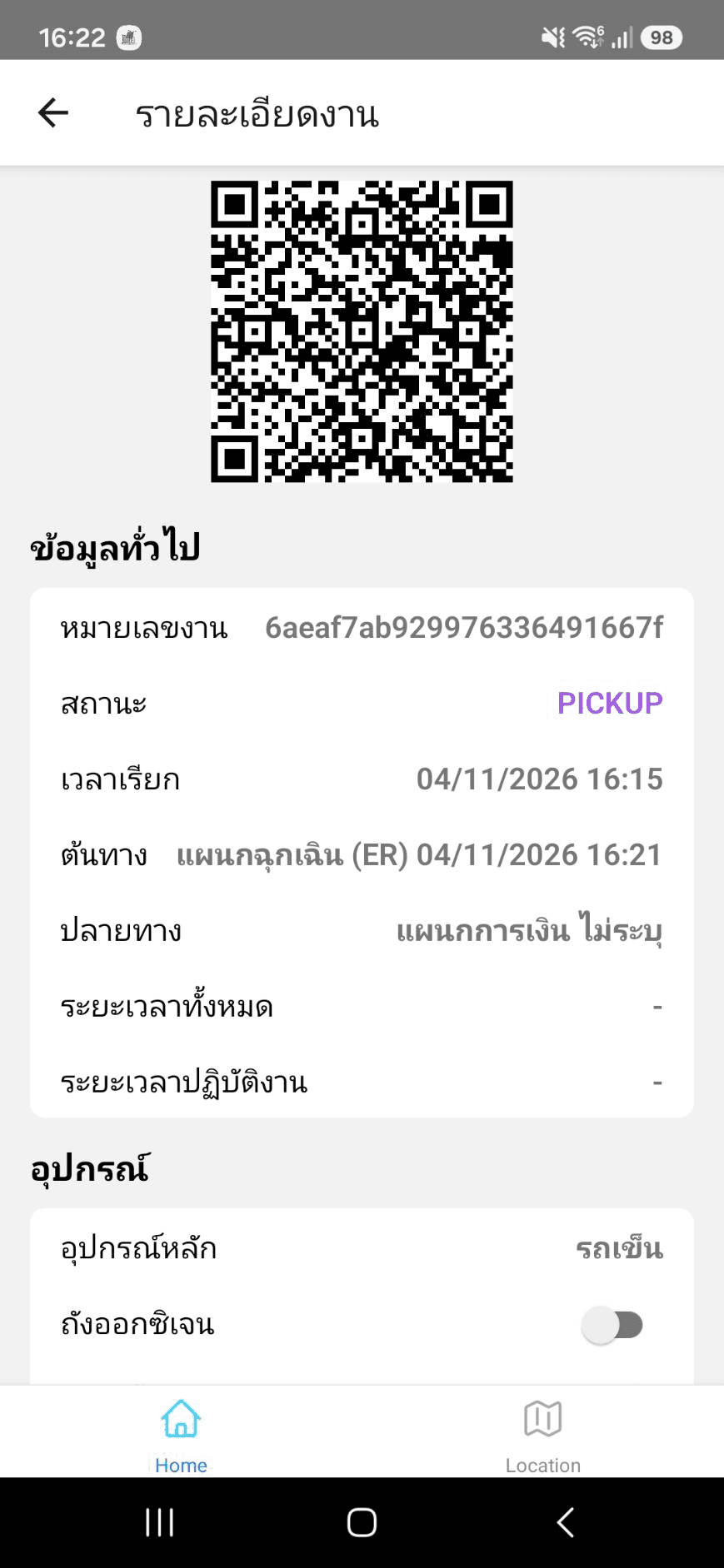
QR on the job confirms the right patient.
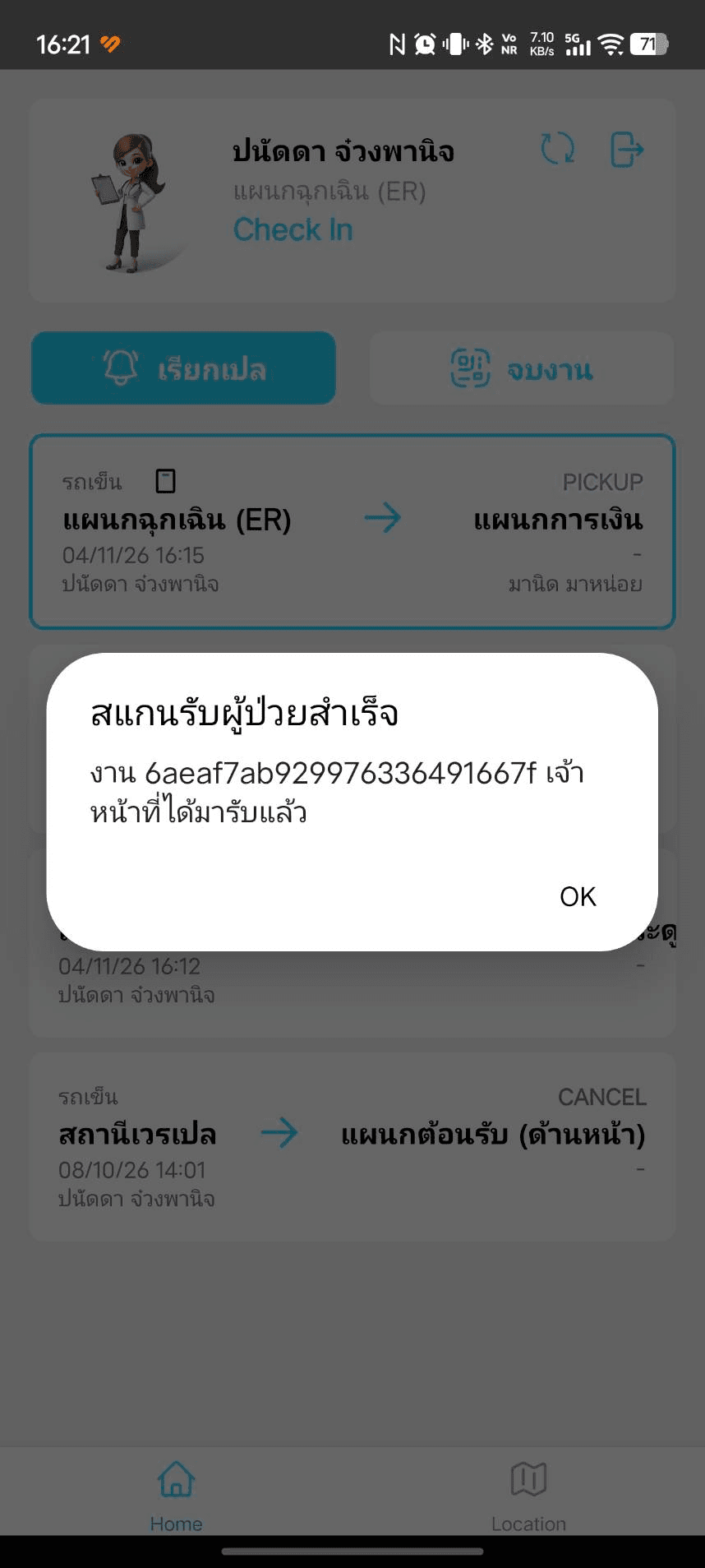
The nurse sees the patient was collected.
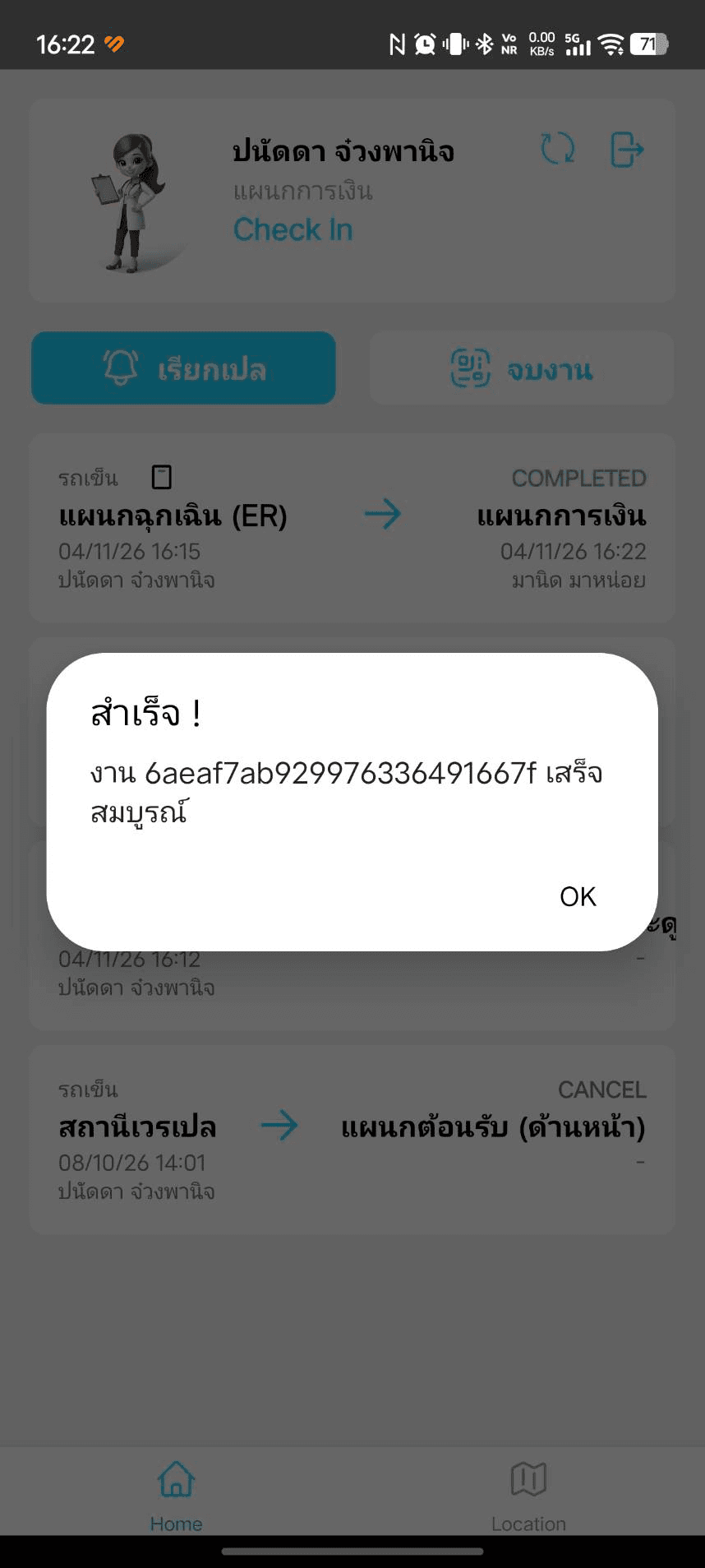
Scanned again at the destination to close the job.
A live dashboard shows the queue, available staff, jobs in progress, bottleneck alerts and peak hours — with daily, weekly and monthly reports for SLA tracking.
Live queue, staff and alertsStaff location: station, working, other areas, offlineProductivity and SLA reports


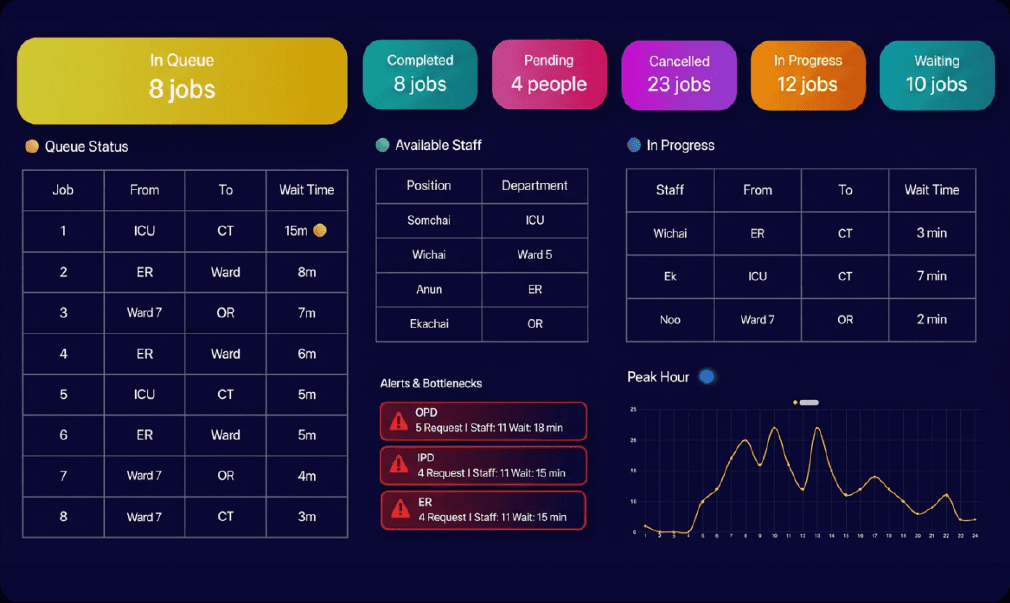
Queue, staff, alerts and peak hours on one screen.
See who requested, accepted and completed every job.
Pickup, destination, equipment, staff.
Best-matched porter by status and location.
Porter accepts; nurse is notified.
QR scan verifies the patient.
Second scan at the destination.
Porter returns to the queue as Ready.
Every step timestamped for SLA.


Through instant push notifications on the porter app, including high-priority alerts while the app is in the background. Rejected jobs are reassigned to the next available porter automatically.
Porters scan a QR code at pickup and again at the destination to verify the handoff.
Yes. Nurses can schedule transport ahead for planned procedures.
Yes. A nurse can specify two porters when creating the request.
Contact our team to discuss data handling, access controls and your hospital’s requirements before rollout.
We reply within one business day.

 LINE